


2025 Android 14 Tablet, 22GB RAM+128GB ROM+1TB Expand, 8000mAh Battery, 10.1 Inch Touchscreen, Octa-Core CPU, 2-in-1 Tablet with Keyboard&Mouse, Support BT5.0, GPS, WiFi – Black
Original price was: $89.99.$79.99Current price is: $79.99.


Price: $89.99 - $79.99
(as of Nov 07, 2025 23:29:36 UTC – Details)
Product description


1 Powerful Performance 2 8000mAh Battery 3 Project a screen

Dghrti 2025 Android Tablets
Add to Cart
Add to Cart
Add to Cart
Add to Cart
Customer Reviews
4.3 out of 5 stars 453
4.1 out of 5 stars 106
4.1 out of 5 stars 106
4.2 out of 5 stars 60
3.7 out of 5 stars 111
Price
—
$85.99$85.99
$85.99$85.99
$99.99$99.99
$85.99$85.99
System
Android 14 OS
Android 14 OS
Android 14 OS
Android 14 OS
Android 14 OS
Processor
Octa-Core
Octa-Core
Octa-Core
Octa-Core
—
Memory
22GB RAM 128GB ROM 1TB Expand
22GB RAM 128GB ROM 1TB Expand
22GB RAM 128GB ROM 1TB Expand
24GB RAM 256GB ROM 2TB Expand
22GB RAM 128GB ROM 1TB Expand
Material
Metal
Metal
Metal
Metal
Metal
Screen size
10.1 IN
10.1 IN
10.1 IN
11 IN
10.1 IN
Battery
8000 mAh
8000 mAh
8000 mAh
8000 mAh
8000 mAh
Camera
5MP front+8MP rear
5MP front+8MP rear
5MP front+8MP rear
5MP front+8MP rear
5MP front+8MP rear
WiFi/Bluetooth
5G+2.4G WIFI /Bluetooth 5.0
5G+2.4G WIFI /Bluetooth 5.0
5G+2.4G WIFI /Bluetooth 5.0
5G+2.4G WIFI /Bluetooth 5.0
5G+2.4G WIFI /Bluetooth 5.0
SlM Card Support
✘
✘
✘
✘
✘
Accessories Included
✔
✔
✔
✔
✔
Why are there bubbles on the screen of the tablet I received?
In order to prevent the tablet from being scratched during transportation, there will be a layer of pre-installed plastic protector, you need to tear off this plastic protector and put on a new screen protector when you receive it.
How do I connect this keyboard?
Click “Settings”, make sure the bluetooth has been opened, Select “pair new device” to open the keyboard power switch and connect the device, the screen shows “Bluetooth 3.0 Keyboard , click Connect to finish.
How do I connect a mouse?
Open the back cover of the mouse, install the corresponding battery, insert the signal receiver of the mouse into the female end of the adapter, turn on the mouse switch, then you can use it.
I want to use split screen mode, how do I do it?
Click two applications, enter one of them, long press the menu button in the lower right corner, then click the icon on the top, select “Split Screen”, click the other program you want to split screen to use.
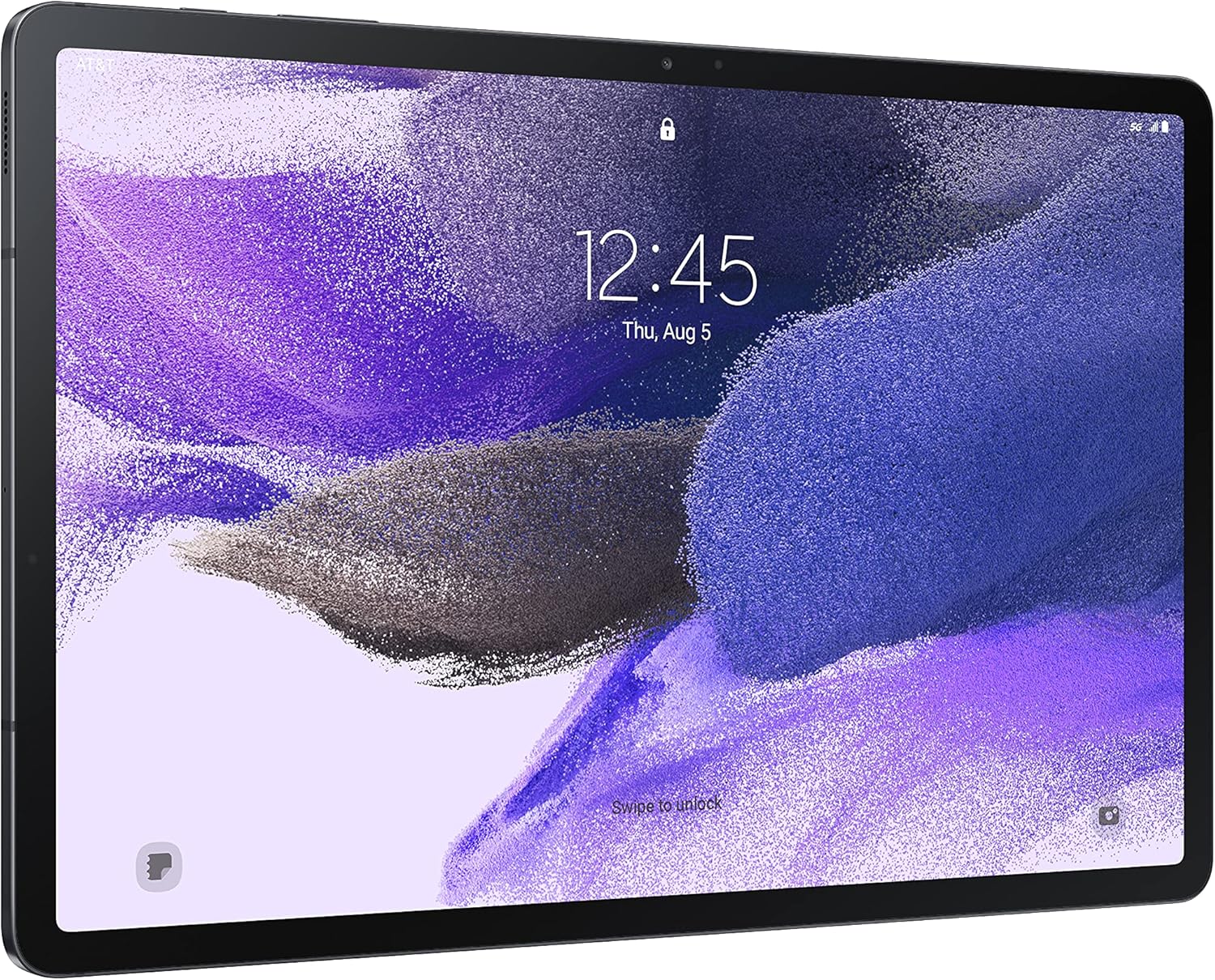
New Configuration: The 10.1-inch tablet with the latest Android 14 system and a 2.0 GHz octa-core processor significantly boosts multitasking performance and operating speed for smoother operation
Performance Boost: Android tablet with 128GB ROM + 22GB (6+16) RAM, supports up to 1TB expansion. Compatible with apps like Netflix, Facebook, YouTube, and Widevine L1 certified, effortlessly running games, multimedia, and office software
Battery Upgrade: Dghrti tablet with an 8000mAh high-capacity battery delivers up to 8 hours of video playback or 5 hours of gaming, providing extended entertainment and browsing time
Elegant Design: Straight-edged profile with starlight cameras (5MP + 8MP), featuring a comfortable metal body. Equipped with a 1280×800 ultra-clear LCD display that effectively filters harmful blue light, reducing eye strain and protecting vision
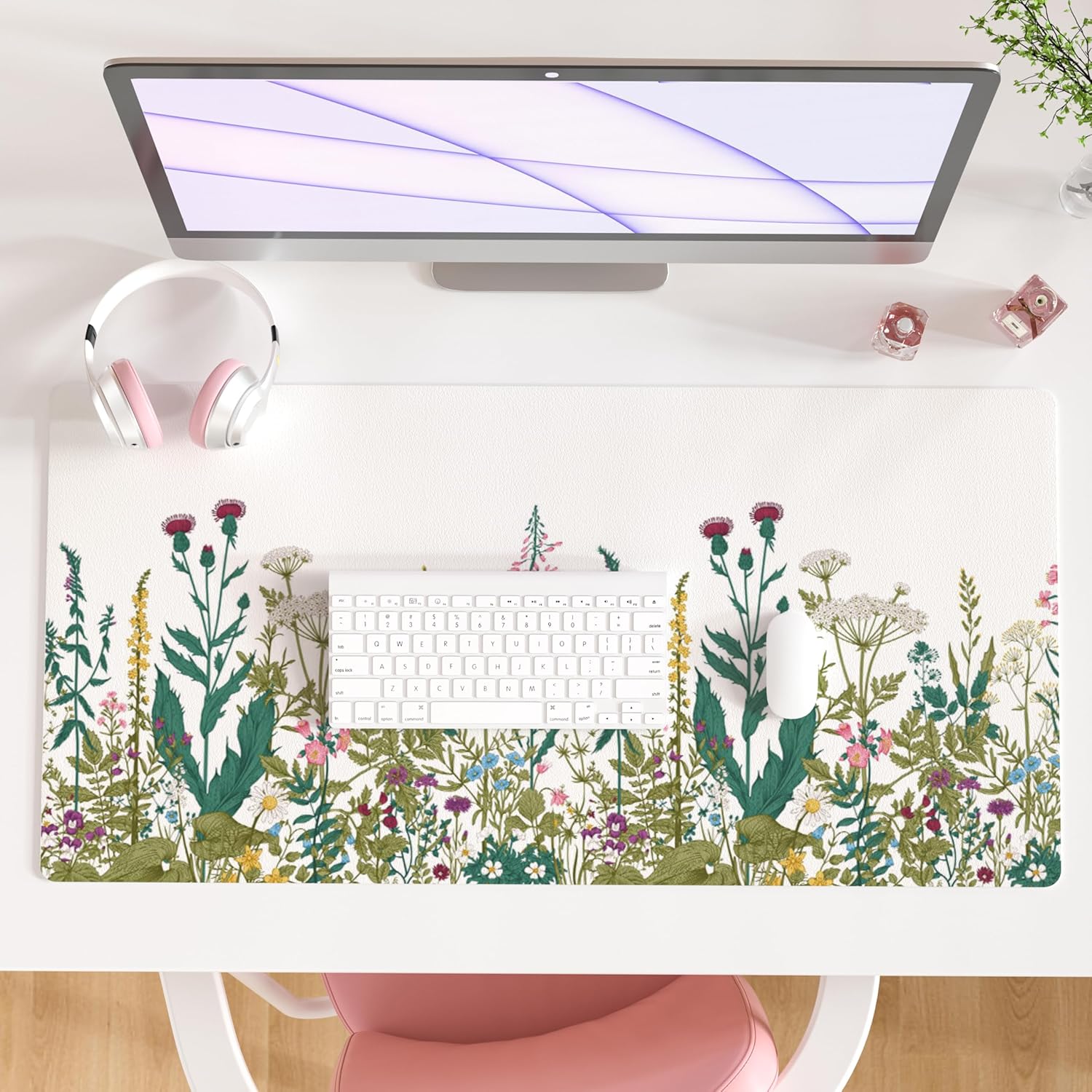
Portable and Practical: Our tablet comes standard with keyboard, mouse, and other accessories, transforming into a simple laptop to effortlessly meet indoor work/study or outdoor entertainment needs
Customers say
Customers find the tablet performs well, with one noting it runs smoothly even with multiple apps open, and they appreciate its impressive Android 14 system, clear and bright display, and long-lasting battery. The device is easy to set up and offers good value for money, with one customer mentioning it’s perfect for light gaming, reading, and school work. The connectivity receives mixed feedback – while it connects quickly, some customers report issues with the included keyboard and mouse refusing to connect.




Reviews
There are no reviews yet.